JSON To YAML
Effortlessly convert your JSON data to YAML format with our user-friendly tool. It's the ideal solution for data serialization, configuration files, and data storage.
Show Your Support with a Star ⭐
It takes just a second, but it means the world to us.

Understanding JSON to YAML Conversion
The process of converting JSON (JavaScript Object Notation) data, a lightweight data-interchange format, into YAML (YAML Ain't Markup Language) format is known as JSON to YAML conversion.
YAML is a human-friendly data serialization standard which is often used for configuration files, but could be used in many applications where data is being stored. This conversion is important when you need to transition from a simple, flat structure (like JSON) to a more complex, hierarchical structure (like YAML).
Key Use cases of JSON to YAML
Configuration Files: YAML is frequently used to write configuration files. Converting JSON to YAML can streamline this process, particularly when dealing with large datasets.
Data Serialization: For applications that require data serialization, converting JSON to YAML can be very useful as YAML is a data serialization language that is both powerful and easy for humans to read.
Data Storage: When storing data, YAML offers more flexibility than JSON in terms of the complexity and hierarchy of data it can represent.
Software Development: Developers may need to convert JSON to YAML when dealing with certain programming languages or tools that work better with YAML.
How to Use the JSON to YAML Convertor?
Upload JSON: Simply drag and drop your JSON file into the converter.
Convert & Download: Click "Convert" and download your YAML file within moments.
Utilize Your Data: Open your YAML in any text editor or data application to start working with your data.
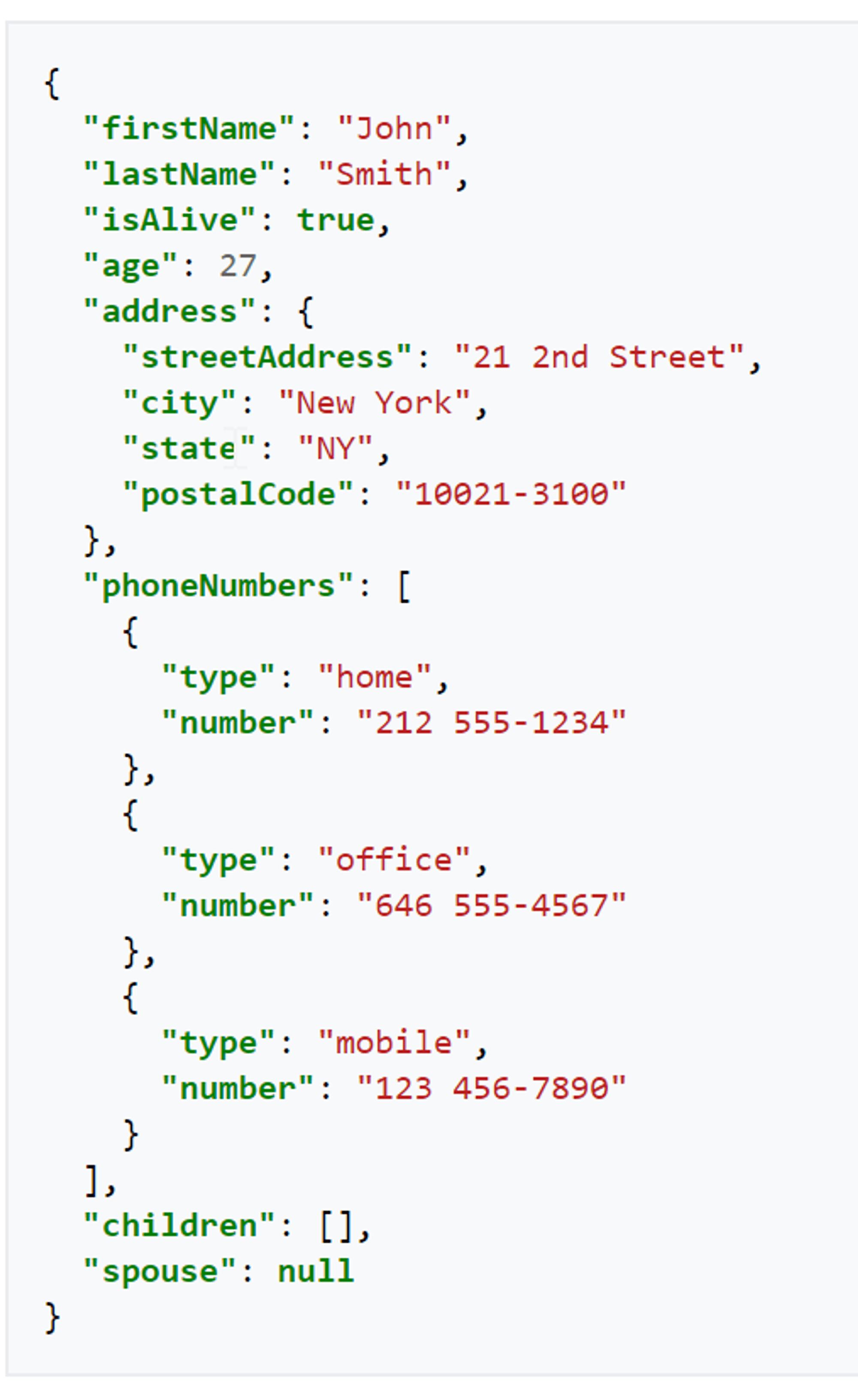
A Quick JSON to YAML Conversion Example
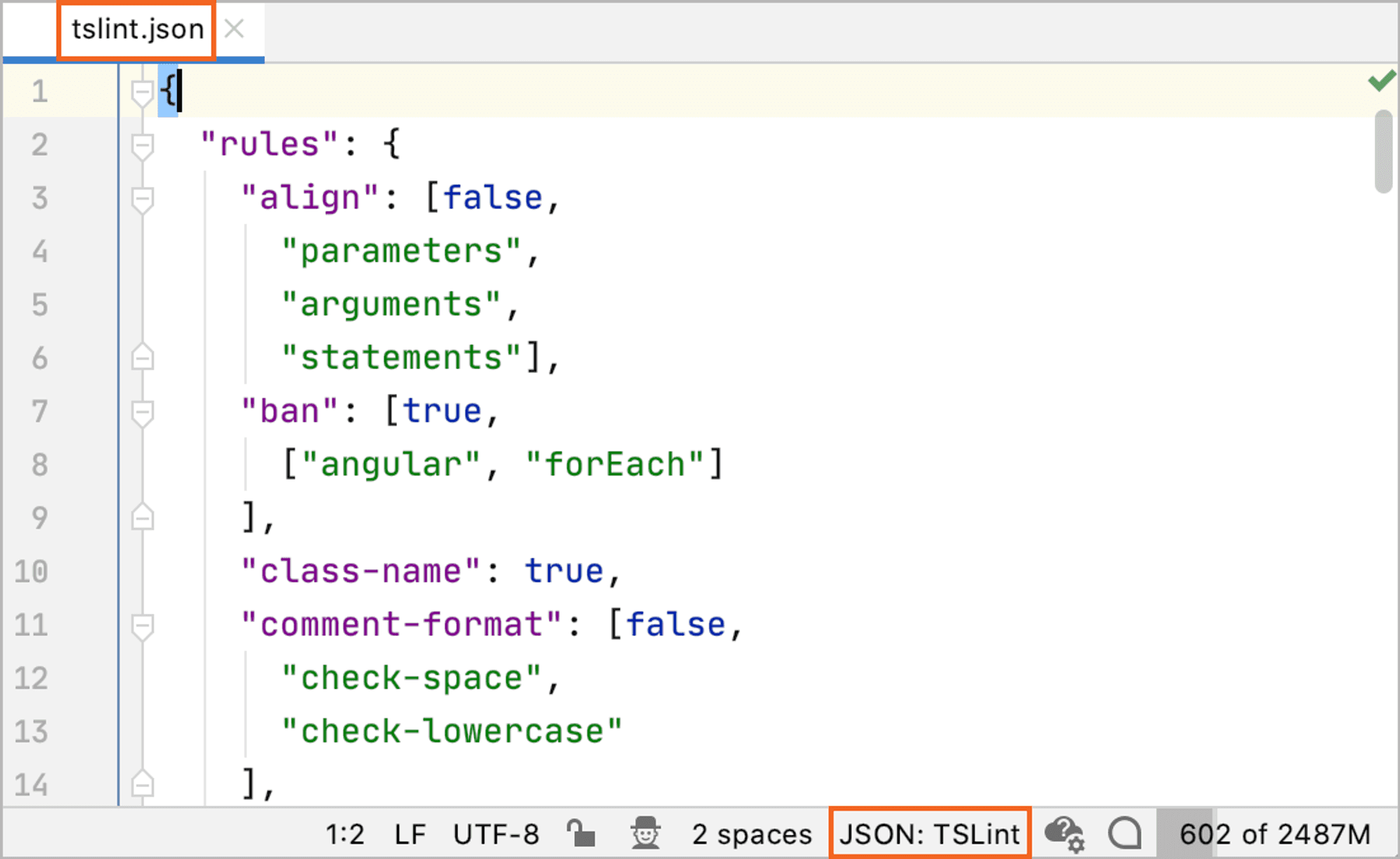
JSON input:
YAML output:
Frequently asked questions
Can I convert YAML back to JSON?
Yes, with Akto's JSON to YAML converter, you can reverse the process and convert YAML data back to JSON format.
What happens to hierarchical data in the conversion process?
During the conversion process with Akto's tool, hierarchical data is typically flattened into the simple JSON format.
Is there a limit to the size of the JSON file I can convert?
With Akto's JSON to YAML converter, there is no limit to the size of the JSON file you can convert.
Can I convert multiple JSON files to YAML at once?
Akto's converter allows you to convert one JSON file to YAML format at a time.
Is my data safe during the conversion process?
Your data's security during the conversion process is a priority for us at Akto. We ensure to provide reliable and secure conversion tools, especially when dealing with sensitive data.